


The NEW, Improved CyberMAT Online Banking!
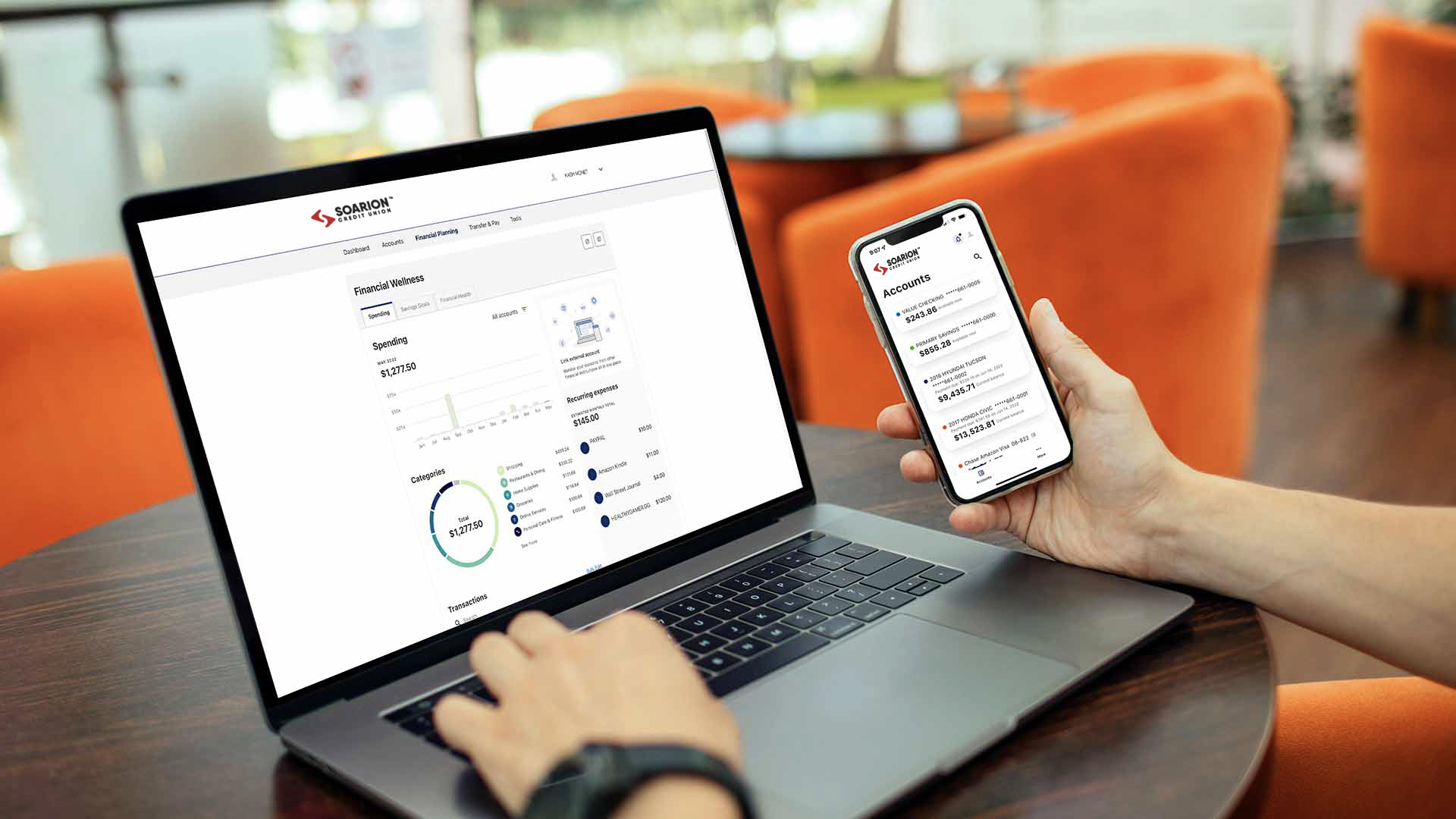
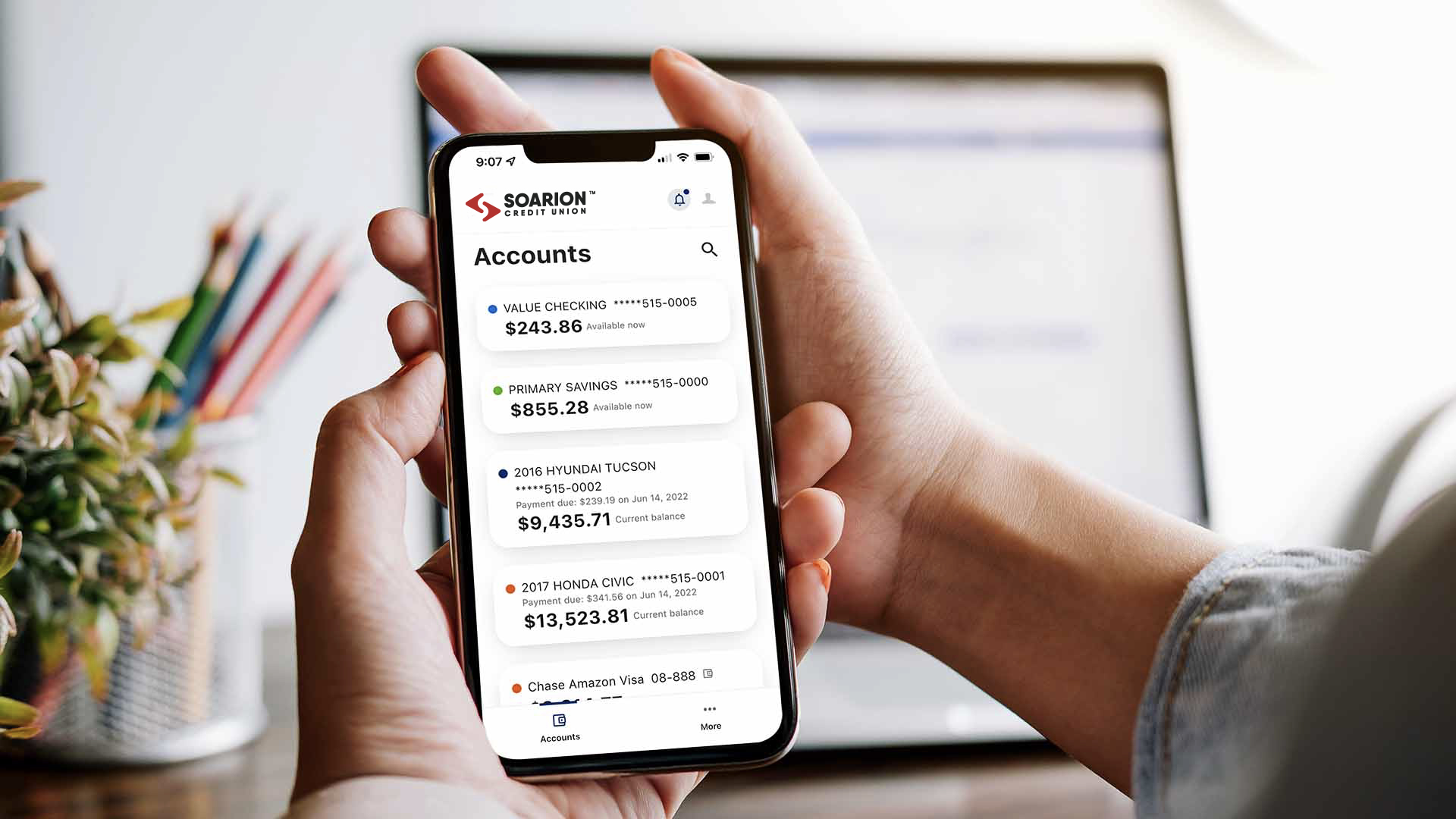
On Tuesday, July 24, 2012, Air Force FCU launched a new and improved CyberMAT Online Banking site. With the new upgrade you can still do everything that you used to with the old system – such as open a new share, apply for a loan, make payments, and access Online Bill Pay. The new CyberMAT has all the same functionality of your old CyberMAT system, but with many more benefits! Some of these new benefits include:
- Ability to transfer funds to other Air Force FCU members
- Ability to transfer funds to and from your accounts at other institutions (may not be available to all accountholders)
- Ability to set up (automatic) scheduled transfers within your account or to another member’s account at a frequency of your choosing
- Receive balance or transaction text alerts directly to your mobile phone
- Create dashboards for a one-stop overview of your Air Force FCU account
- Budget creating/tracking software built right in with your transaction history
- Create reports for your budget based off of your income and expenses
- And a great deal more!
When you login to the new system on or after July 24, you will need to create a new username, password, security questions and answers, and select a security phrase and picture. Once you have completed the registration process, you will be logged in to the new CyberMAT. Take some time to explore all of the new functions as well as all of the old ones. Be sure to update your favorites and bookmarks too! As always, we are here for you 24 | 7 | 365 at 210.673.5610 or 800.227.5328. Feel free to call us with any questions.
The following are some common questions you may have:
- Why is CyberMAT online banking changing?
- Since Air Force FCU has a large mobile membership, one of our main strategic goals for 2012 is to improve our technical services. We want to keep on the forefront of the technology side of the credit union industry. This upgrade allows us to serve all of our members wherever they are, at whatever time they need.
- Do I have to change my username and/or password?
- Not necessarily, you will be required to register for the new CyberMAT but your current username may be used if it meets the requirements of the new system. Your password will have to be changed but the good news is that it’s a very easy process and more secure for you. The registration process is a quick 4-step process where you will be asked a few standard questions and then you will be logged in to the new CyberMAT.
- I don’t remember my username. What do I do?
- Once you have registered, you can reset your username by clicking on the “Forgot Username?” link on the login screen of CyberMAT. You will be asked to answer some questions, and then an email will be sent to your registered email with more instructions. After you have completed this process, you will be allowed to reset your username and to login to the system.
- I don’t remember my password. What do I do?
- Once you have registered, you can reset your password by clicking on the “Forgot Password?” link on the login screen of CyberMAT. You will be asked to answer some questions, and then an email will be sent to your registered email with more instructions. After you have completed this process, you will be allowed to reset your password and to login to the system.
- I don’t remember my username, password, or security questions and answers. What do I do?
- You will have to contact Air Force FCU in order to have your account reset. (The best time to contact Air Force FCU to handle this is Monday – Saturday 7 a.m. to 7 p.m.) After your account has been reset you will be allowed to re-register your account for CyberMAT.
- Does this change affect my MAT (telephone teller) login information?
- No. Your login information for the MAT system will remain the same.
- Do I have to update my favorites bookmark on my personal computer?
- Yes. Your favorites bookmark will not work if it is set to the old CyberMAT site. You can change your bookmark to the new CyberMAT by clicking on the CyberMAT online banking link from our website and creating a new favorite for this site.
- Will this change my username and password for Mobile Banking or the Mobile App?
- Yes. The login process for both Mobile Banking and the Mobile App will change to be the same as the new CyberMAT. **Please Note: On or after July 24th, you will need to login to the new CyberMAT first to register your account before attempting to login on Mobile Banking or the Mobile App. You will be able to access the new CyberMAT from your mobile phone by clicking on the CyberMAT Log In button from our website.
- I haven’t logged in for several months and now I am unable to login. What do I do?
- You must log in to your CyberMAT account at least once every 120 days or your enrollment in CyberMAT will be considered inactive and you will need to reregister for the service. Please follow the links to complete the registration process.
Mobile Banking & App Users
On July 24, you will have an update for your app available in the Apple® App Store and the Android Market. In order to access your account information you must first download this update and perform the following steps:
- Download the updated app from your App Store or Market.
- Visit our New CyberMAT online banking website in order to register your account - you will need to create a new username, password, security questions and answers, and select a security phrase and picture - for the new system.
- The registration process is quick and easy and can be completed in less than 5 minutes. You will be able to access the new CyberMAT from your mobile phone by clicking on the CyberMAT Log In button from our website.
- Now you are free to use your app like normal! There have been some changes and updates to the app as well. We hope you like the updates as much as we do!
|